How to Choose Fire Inspection Software: 8 Capabilities to Look For

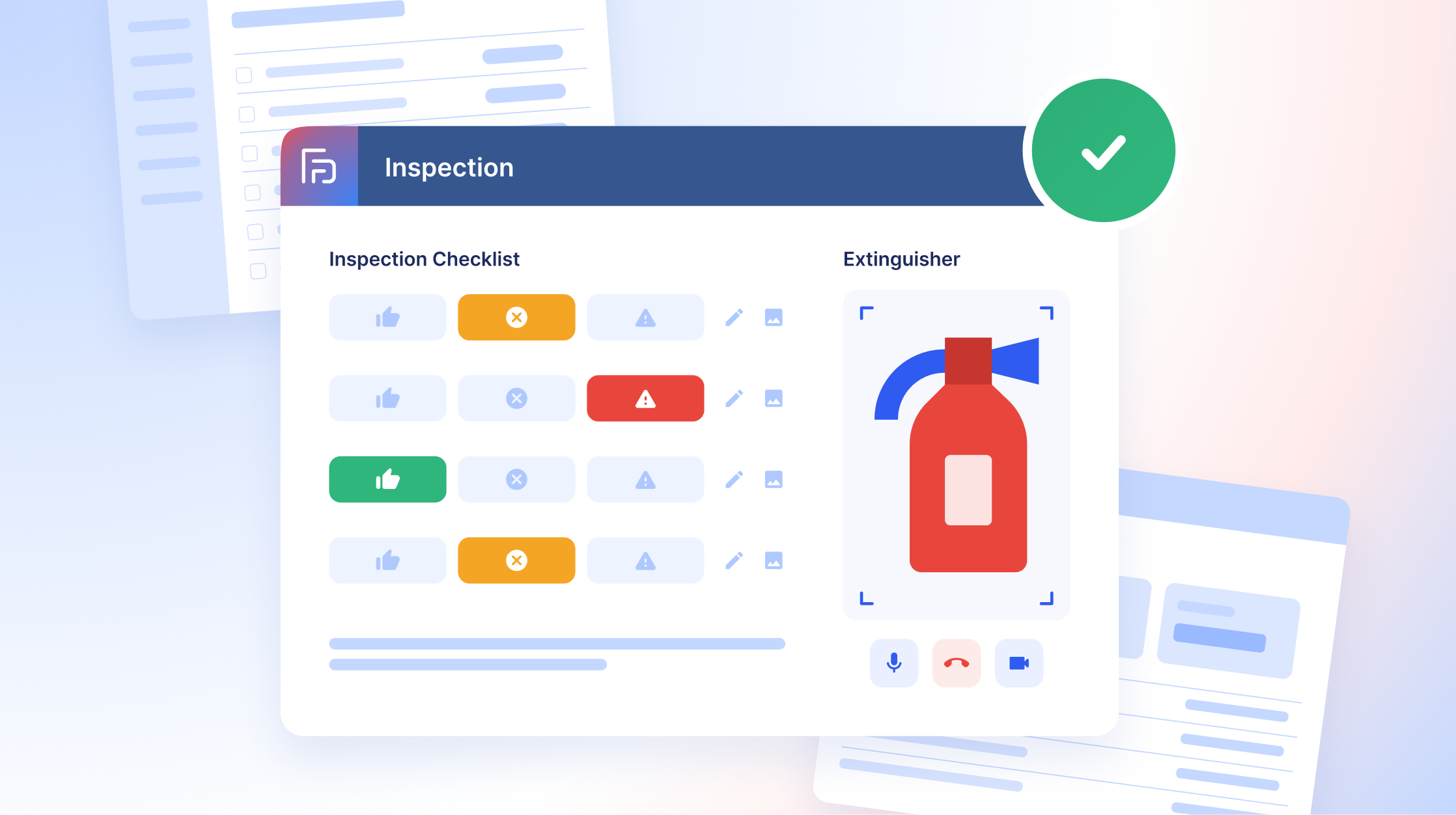


Fire inspections are a critical part of reducing community risk, but the technology supporting those inspections can either simplify the work or create more of it.
When inspection information lives across paper forms, spreadsheets, disconnected databases, and legacy systems, inspectors spend more time managing information and less time addressing risk. Reports take longer to complete, follow-up becomes harder to track, and leadership has less visibility into inspection activity across the jurisdiction.
Modern fire protection inspection software should do more than digitize a checklist. It should help fire prevention teams manage the entire inspection workflow. From preparing for an inspection and documenting findings in the field to tracking violations, scheduling follow-ups, and maintaining accurate occupancy records.
If your department is evaluating fire inspections software, here are eight capabilities to look for:
1. Configurable Inspection Workflows
No two jurisdictions operate the same way. Your inspection software shouldn’t force your department into a rigid, one-size-fits-all process.
Look for a platform that allows administrators to configure inspection types, checklists, required questions, forms, and workflows around the way your agency operates.
The right system should make it easy to standardize how inspections are performed while still providing the flexibility needed for different occupancies, inspection types, and local requirements.
This creates a more consistent process for inspectors and more reliable data for the department.
2. Built-In Fire Code Management
Inspectors need quick access to the codes and standards that inform their findings.
Fire safety inspection software should allow your department to manage applicable national, state, and local codes and connect those codes directly into inspection checklist items.
Instead of searching through your separate resources in the field, inspectors can quickly reference the appropriate code while documenting a violation.
Code management should also be easy to maintain. When requirements change, administrators should be able to update code sets and associate those changes with the appropriate inspections items without rebuilding the entire workflow.
3. Mobile and Offline Field Access
Inspection software needs to work where inspections actually happen: in the field.
Inspectors should be able to access occupancy information, complete inspection forms, document violations, add notes, capture photos, and collect signatures from a mobile device or tablet.
Just as importantly, the system should continue working when reliable connectivity isn’t available.
Fire inspection software for tablets and other mobile devices with offline functionality allows inspectors to continue documenting their work regardless of Wi-Fi availability and sync that information when connectivity returns.
That means less duplicate entry and fewer workarounds when crews are operating in areas with limited service.
4. Customizable Inspection Reports
Completing the inspection is only one part of the process. Departments also need to clearly communicate findings to occupancy contacts and maintain accurate records.
Look for fire inspection reporting software that can turn inspection data into professional, customizable reports.
Departments should be able to control report formatting, include relevant findings and violations, add supporting images or attachments, and deliver reports electronically to the appropriate contacts.
The goal is to move from inspection to documentation without requiring inspectors to recreate information in another system.
5. Violation and Follow-up Tracking
Identifying a deficiency isn’t the end of the workflow. The real value comes from making sure the issue is addressed.
Modern fire inspection software should give departments a clear way to document violations, review previous findings, schedule follow-up inspections, and track outstanding work.
Inspectors and administrator should be able to quickly answer questions such as:
- Which occupancies have unresolved violations?
- Which inspections require follow-up?
- When is re-inspection due?
- Has the same violation occurred previously?
6. Centralized Occupancy Records
An inspection rarely exists in isolation.
The same occupancy may have inspection history, permits, invoices, pre-incident plans, incidents, contacts, attachments, and other information associated with it. When those records live in different systems, departments are forced to piece together the full picture.
Look for fire system inspection software that maintains a centralized occupancy record.
Inspectors should be able to see relevant historical and operational information before and during an inspection, while updates made in the field should strengthen the department’s broader understanding of that occupancy.
Connection prevention and operational information also helps ensure valuable information collected during inspections doesn’t stay trapped within the prevention bureau.
7. Scheduling and Task Management
A strong inspection program requires more than completing individual inspections. Departments need visibility into what needs to happen across the entire jurisdiction.
Fire protection inspection software should help teams organize scheduled inspections, assign work, prioritize activities, and manage follow-ups.
Inspectors should be able to quickly identify their assigned work, while administrators should have visibility into inspection activity across personnel, areas, and occupancies.
Better task management helps departments spend less time coordinating work manually and makes it easier to keep inspection programs moving forward.
8. Reporting and Program Visibility
Fire prevention leaders need to understand more than whether an inspection was completed.
They need visibility into inspection volume, outstanding violations, follow-up activity, trends, and overall program performance.
Look for software with reporting and analytics capabilities that turn inspection activity into useful operational information.
With better visibility, departments can identify where work is accumulating, evaluate inspection progress, communicate program impact, and make more informed decisions about prevention resources.
Choosing the Right Inspection Software
The best fire inspection software isn't simply a digital replacement for paper.
It connects the work happening before, during, and after an inspection so inspectors, prevention leaders, and operational personnel can work from accurate, accessible information.
As you compare platforms, look beyond the inspection form itself. Consider how each solution handles field access, codes, reporting, violations, occupancy information, scheduling, and department-wide visibility.
A system that connects those workflows can help your department reduce administrative work, strengthen consistency, and keep the focus where it belongs: identifying and reducing risk in the community.
Modernize Fire Inspections with First Due
First Due brings inspections, occupancy management, permitting, invoicing, pre-incident planning, and other fire prevention workflows together in one connected platform.
Inspectors can complete configurable inspections in the field, reference applicable codes, document violations, capture photos and signatures, generate customized reports, schedule follow-ups, and access the information they need from any device—even when connectivity is limited.
For fire prevention leaders, centralized occupancy records and reporting provide greater visibility into inspection activity and community risk across the jurisdiction.